A prompt template is a reusable structure with blanks you fill in for each new task — instead of writing a fresh prompt from scratch every time. These 25 templates cover writing, research, business, marketing, SEO, planning, learning, problem-solving, and data analysis, and are built to be saved and reused again and again.
Let's get into them.
Earlier in this series, we gave you 50+ ready-to-use prompts for specific tasks. This is different — these are templates, built to work like a form you fill out.
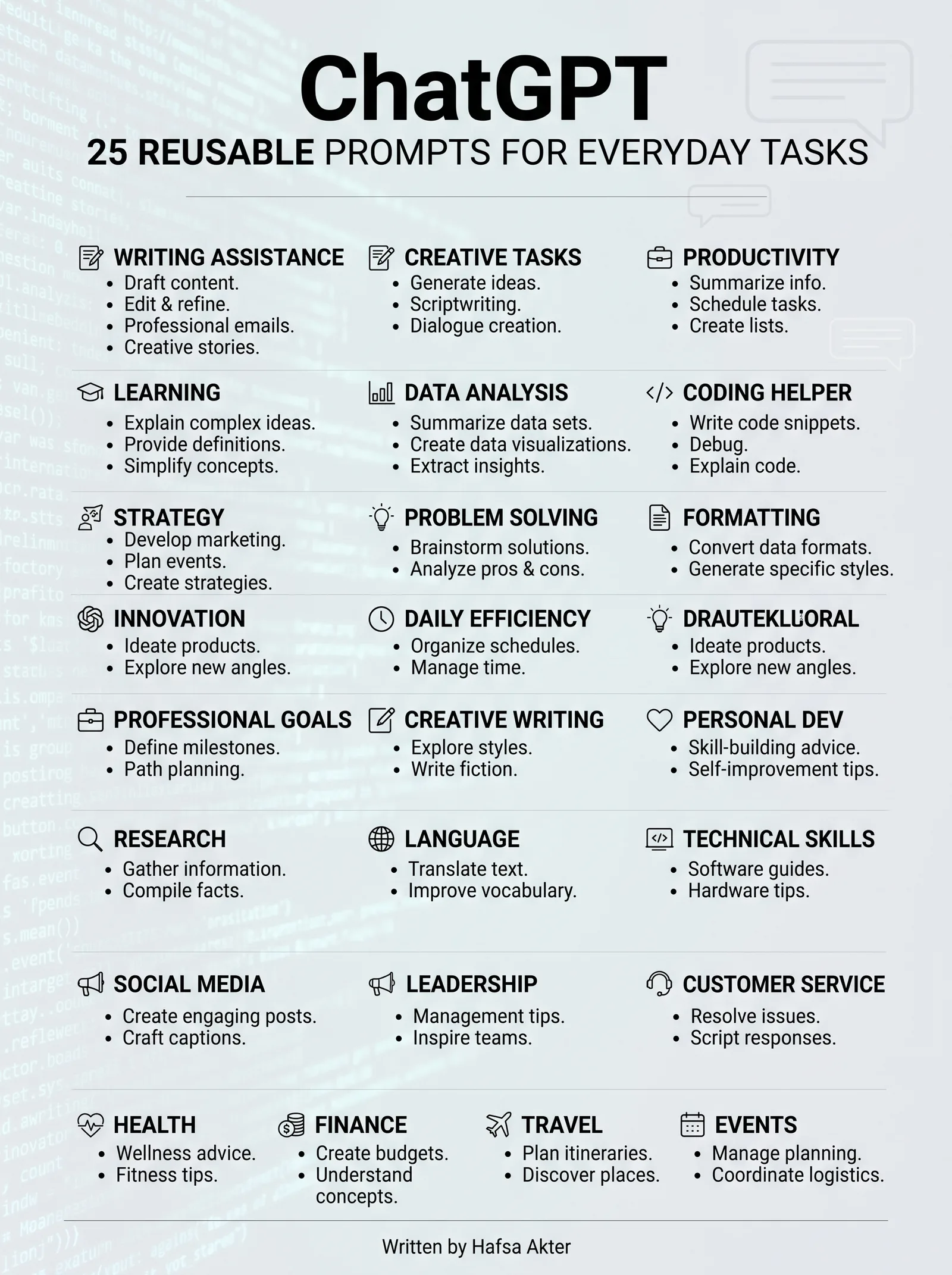
Save this list somewhere handy, and reuse the same structures every time a similar task comes up, instead of rebuilding your prompt from zero.
Writing
- The Rewrite Template "Rewrite the following in a [tone: casual/formal/friendly] tone, keeping it under [word count] words: [paste text]"
- The Style-Match Template "Here's a sample of my writing: [paste sample]. Write a new [content type] about [topic] in the same style."
- The Structure Template "Write a [content type] about [topic], structured as: introduction, [number] main points, and a conclusion. Target length: [word count]."
Research
- The Quick Overview Template "Give me a clear overview of [topic], covering: what it is, why it matters, and the current key considerations."
- The Comparison Template "Compare [option A] and [option B] across these factors: [factor 1], [factor 2], [factor 3]. End with a short summary."
- The Source-Grounded Template "Using only the information in this text, answer the following question: [paste text] Question: [your question]"
Business
- The Proposal Outline Template "Create a proposal outline for [project/idea], including: objective, approach, timeline, and expected outcome."
- The SWOT Template "Create a SWOT analysis for [business/idea], considering [industry/context]."
- The Client Follow-Up Template "Write a follow-up message to [client/contact] about [topic], keeping the tone [tone] and under [word count] words."
Marketing
- The Campaign Brainstorm Template "Suggest [number] marketing campaign ideas for [product/service], targeting [audience], for [platform/channel]."
- The Tagline Template "Write [number] tagline options for [product/brand], emphasizing [key benefit or feeling]."
- The Content Calendar Template "Suggest a [timeframe] content calendar for [platform], covering [topic/theme], with one post idea per [frequency]."
SEO
- The Keyword Brainstorm Template "Suggest [number] keyword ideas related to [topic], including a mix of short-tail and long-tail options."
- The Meta Content Template "Write an SEO-friendly title and meta description for a page about [topic], targeting the keyword [keyword]."
- The FAQ Template "Write [number] FAQ questions and answers about [topic], based on how people commonly search for this."
Planning
- The Daily Plan Template "Help me plan today based on these priorities: [list tasks]. Suggest a realistic order and rough timing."
- The Project Timeline Template "Create a timeline for completing [project], starting [start date] and finishing by [deadline], broken into key milestones."
- The Task Breakdown Template "Break [large task] into smaller, manageable steps, in the order I should complete them."
Learning
- The Beginner Explanation Template "Explain [topic] to me as a complete beginner, using one simple analogy and no jargon."
- The Study Plan Template "Create a [timeframe] study plan for learning [subject], assuming I can study [hours/frequency]."
- The Quiz Template "Quiz me on [topic] with [number] questions, and explain the correct answer after each one."
Problem-Solving
- The Options Template "I'm trying to decide between [option A] and [option B] for [situation]. Lay out the trade-offs of each."
- The Root-Cause Template "Here's a problem I'm facing: [describe problem]. Help me think through the likely underlying causes before jumping to solutions."
- The Decision-Check Template "I'm considering [decision]. What questions should I be asking myself before committing to this?"
Data Analysis
- The Data Summary Template "Summarize the key patterns in this data, and flag anything that looks unusual or worth a closer look: [paste data]"
How to Actually Use These Templates
A few quick tips to get the most out of this list:
- Fill in every bracket — a half-completed template performs like a vague prompt
- Save your favorites somewhere you'll actually return to, not just this page
- Adjust the wording slightly to match how you naturally phrase things
- Combine two templates when a task needs both — research plus a decision check, for example
These aren't meant to be used exactly once. The whole point is reusing the same structure every time a similar task shows up, so you stop rebuilding your prompt from scratch.
You've Completed the Series
If you've followed this whole cluster, here's what you've actually built up: how to write a prompt, the techniques that make prompts stronger, a ready-to-use prompt library, advanced methods for accuracy, and now, a set of templates you can return to again and again.
For the complete picture tying all of this together, our pillar guide — ChatGPT Prompt Engineering: Complete Beginner-to-Advanced Guide (2026) — walks through the full journey in one place.
Frequently Asked Questions
What's the difference between a prompt and a prompt template?
A prompt is written for one specific situation. A template is reusable — it has blanks you fill in each time, so you're not rewriting the whole thing from scratch for similar tasks.Can I edit these templates to fit my own needs?
Yes, and you should. Treat the wording as a starting point, and adjust it to match your own tone and the specifics of your task.How many prompt templates should I actually keep and reuse?
There's no fixed number — start with the handful that match tasks you do most often, and build your list naturally over time as new needs come up.Do these templates work for both personal and business tasks?
Yes, this set covers both — writing, research, and learning suit personal use, while business, marketing, and SEO templates are built for professional tasks.Should I fill in every blank in a template, or can I leave some out?
Fill in as many as genuinely apply. Leaving a blank empty tends to produce a vaguer response, since ChatGPT has less to work with.
Connect with me on LinkedIn for more guides like this.